SMS, WhatsApp and Inbox
Email, SMS and WhatsApp in one inbox per client.
Every message from every channel sits with the contact it belongs to, so anyone in the team can pick up the conversation.
Main benefits
-
One conversation per client
SMS, WhatsApp and email replies in one inbox, on the contact's timeline.
-
Templates that save time
SMS templates and approved WhatsApp Business templates, usable by people and by workflows.
-
Opt-outs handled for you
STOP words (including Hindi ones), sending hours, a daily cap, and India's DLT rules for SMS.
How it works
- 1
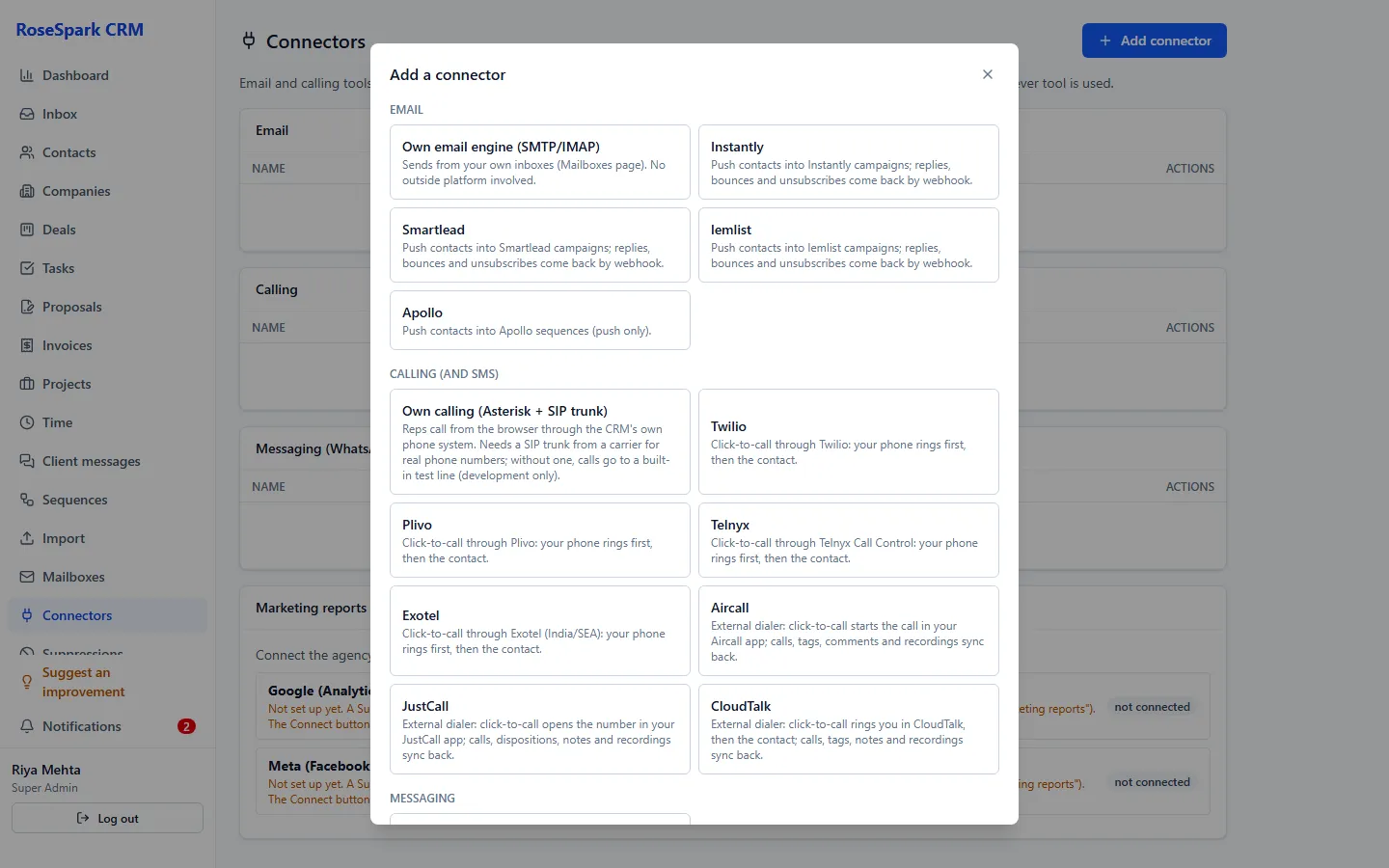
Connect your channels
SMS through Twilio, Plivo, Telnyx or Exotel; WhatsApp through the WhatsApp Business Cloud API.
- 2
Send from the contact
Pick a template or type a message; sending hours and opt-outs are checked first.
Screenshot: Sending a WhatsApp template - 3
Answer from the inbox
New messages from every channel arrive in one inbox; open the contact to see the whole history.
Screenshot: Inbox - 4
Automate the routine
Workflows can start when an SMS or WhatsApp message arrives and can send templates themselves.
Screenshot: Workflow on a received message
What's included
- SMS through Twilio, Plivo, Telnyx and Exotel, with templates
- WhatsApp Business Cloud API with approved templates
- One inbox with every channel per contact
- Opt-out handling including Hindi STOP words, sending hours and a daily cap
- India DLT support for SMS
- LinkedIn messages logged by hand on the timeline
- Workflow triggers for SMS and WhatsApp received; workflow actions to send them
Questions
What do I need for WhatsApp?
A WhatsApp Business Cloud API account from Meta, which needs Meta's business verification. Message charges are paid to Meta.
Which SMS providers work?
Twilio, Plivo, Telnyx and Exotel – the same providers used for calling. SMS charges are paid to them.
How are opt-outs handled?
STOP replies (also in Hindi) opt the contact out, messages respect sending hours and a daily cap, and Indian SMS follows the DLT rules.
Can we log LinkedIn messages?
Yes, by hand on the contact's timeline, so the whole conversation stays in one place.
See it on your own data: book a 30-minute demo
I'll show you sms, whatsapp and inbox and the rest of RoseSpark CRM on a real CRM – no slides.