Projects and client portal
Deliver on time. Get approvals in writing.
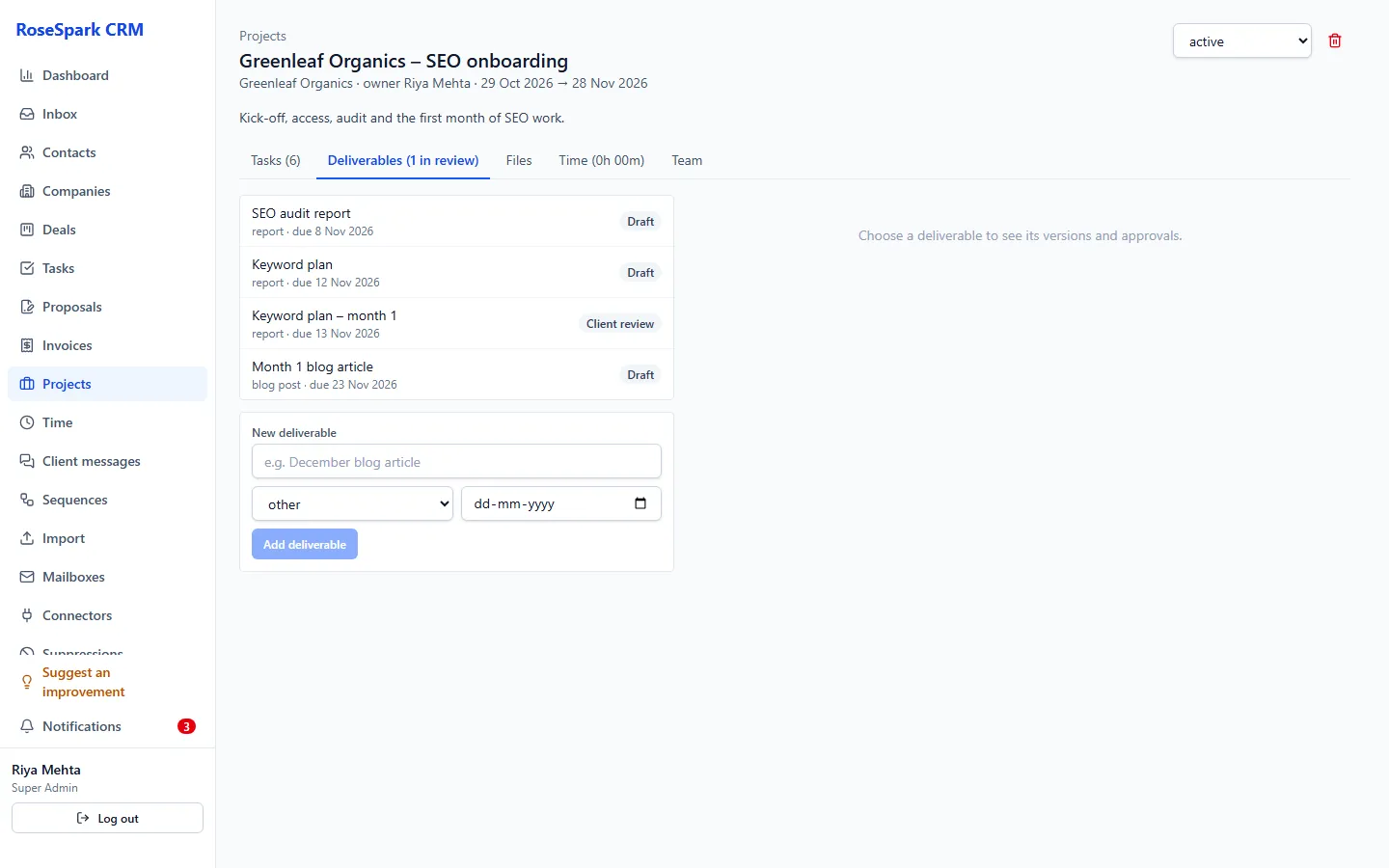
Run the work after the sale in the same system: projects from templates, approvals from the client, hours tracked – and a portal where clients find everything.
Main benefits
-
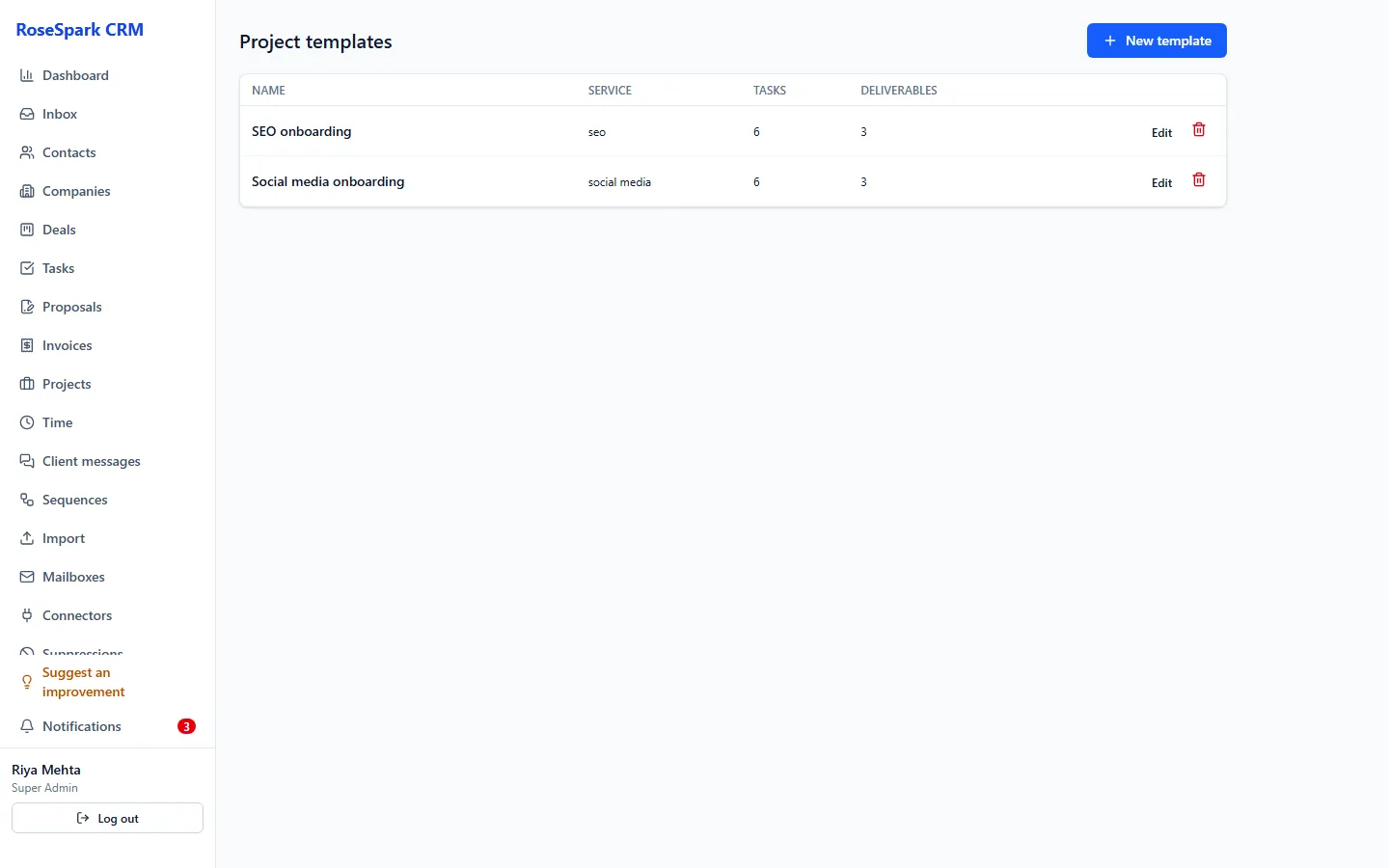
Every project starts the same way
Templates with tasks, members and deliverables, so nothing is forgotten.
-
Approvals in writing
Deliverables move from internal review to client review, changes or approved, then delivered – with versions.
-
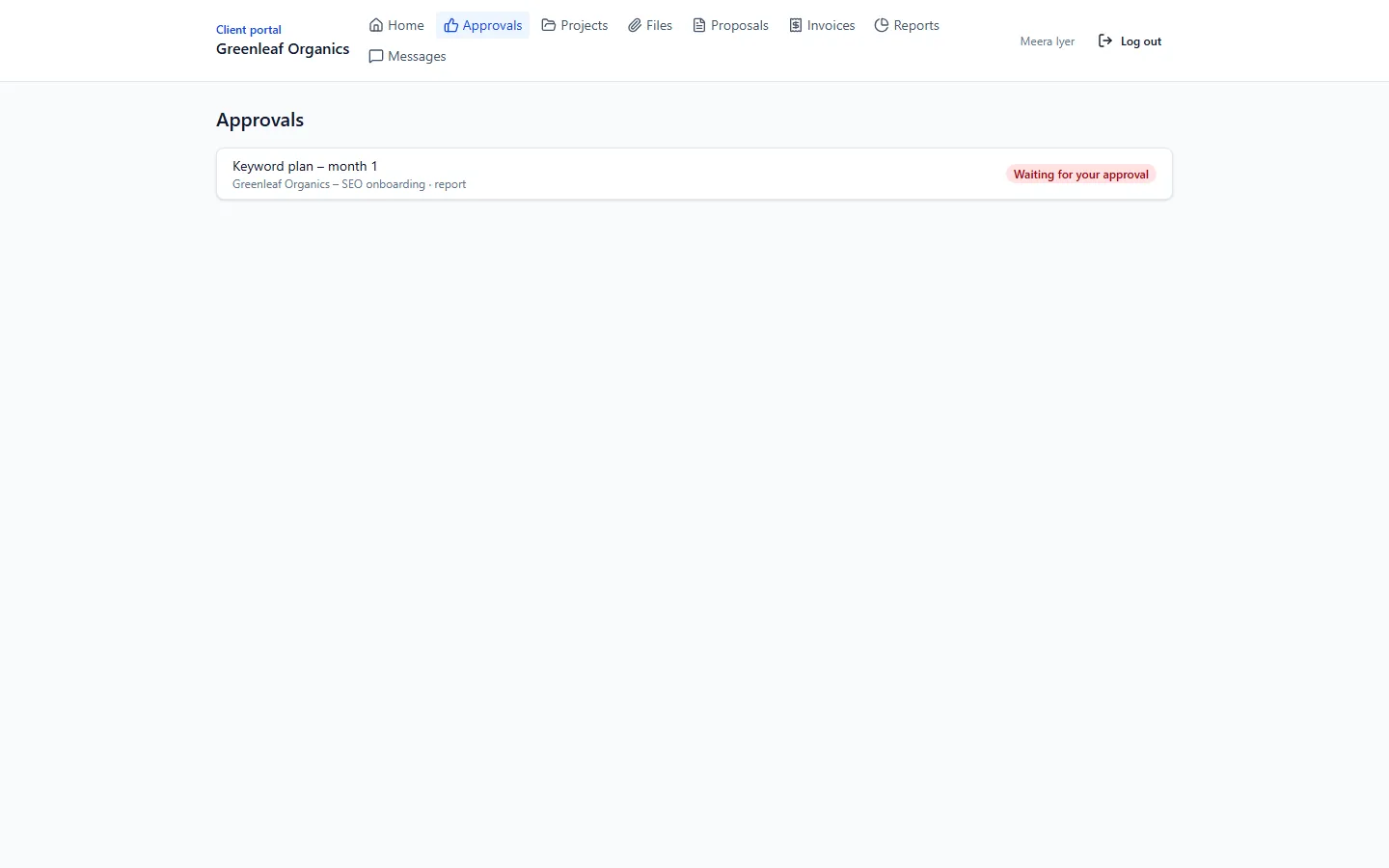
Clients find everything in one place
A portal with their projects, approvals, files, proposals, invoices, reports and messages.
How it works
- 1
Start the project
From a template, by hand, or by a workflow when a proposal is signed.
- 2
Share deliverables
Upload files (up to 25 MB each) as versions and send them for internal and client review.
- 3
The client approves
In the portal the client approves or asks for changes; you see it on the project.
- 4
Track the time
Timer or manual entries, billable or not, with reports and CSV downloads.
Screenshot: Time tracking report
What's included
- Projects from templates with tasks, members and deliverables
- Deliverables with versions and an approval flow: internal review, client review, changes or approved, delivered
- Files up to 25 MB
- Time tracking with timer or manual entries, billable hours, reports and CSV
- Client portal with its own logins, invited by email with single-use links
- In the portal: projects, approvals, files, proposals, invoices and payment, marketing reports, messages with the team
Questions
Do client portal logins cost extra?
No. There are no per-user fees – invite as many client contacts as you need.
How do clients get into the portal?
You invite them from their company page; they get a single-use link by email and set their own password.
Can I bill the hours I track?
Mark entries as billable and use the time reports and CSV downloads for your invoices.
Do portal logins have two-step login?
Not yet – two-step login is available for your team's logins. Client portal logins use a password.
See it on your own data: book a 30-minute demo
I'll show you projects and client portal and the rest of RoseSpark CRM on a real CRM – no slides.